.webp)
Good design gets delayed all the time for one annoying reason: too much starts from scratch. A campaign header without structure takes longer than it should. A social media concept without a system becomes ten versions by lunch. A seasonal launch without reusable building blocks turns into pure production chaos.
That is why AI templates matter. They turn blank files into practical starting points that help designers, marketers, and small teams move faster without sacrificing quality. For anyone trying to streamline production, stronger template systems are now a core part of modern AI graphic design workflows.
How to Choose a Template Site Without Wasting Time
Not all template sites solve the same problem. Choosing randomly slows down production and usually leads to more editing than expected.
Here is how to think about it:
- For social content → use fast, editable template libraries built for repeat output
- For branding consistency → use structured categories with reusable visual systems
- For campaigns → use header, banner, and promo templates that scale across formats
- For seasonal work → use ready-to-use template collections that reduce last-minute design panic
For speed and iteration → use broad libraries with searchable formats and easy customization
The goal is not to find “the best template site.”
The goal is to find the right one for your actual workflow.
Top Template Sites for Designers
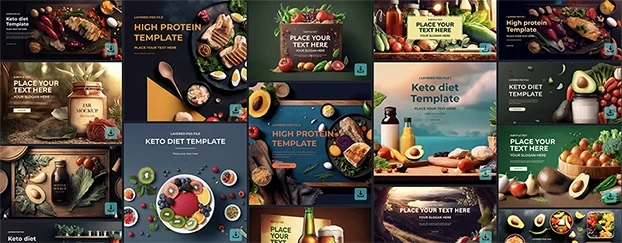
1. CreativeStock Headers & Banners Templates
Best for: campaigns, hero sections, promo graphics, ad-ready layouts
Weakness: less useful when you need document-heavy or slide-based design
Headers and banners are often where fast marketing work either looks sharp or falls apart instantly. Structured categories help teams produce cleaner visuals without rebuilding every layout from zero.
Browse CreativeStock Headers & Banners Templates.
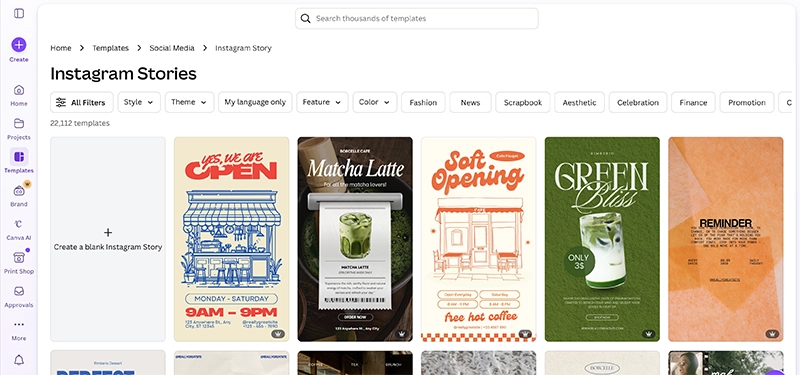
2. Canva Instagram Story Templates
Best for: fast story content, small teams, creators, simple social workflows
Weakness: easy to end up with generic-looking output
Story-based content needs speed more than drama. Canva works well when the goal is quick adaptation, especially for teams producing content on repeat.
Browse Canva Instagram Story Templates.
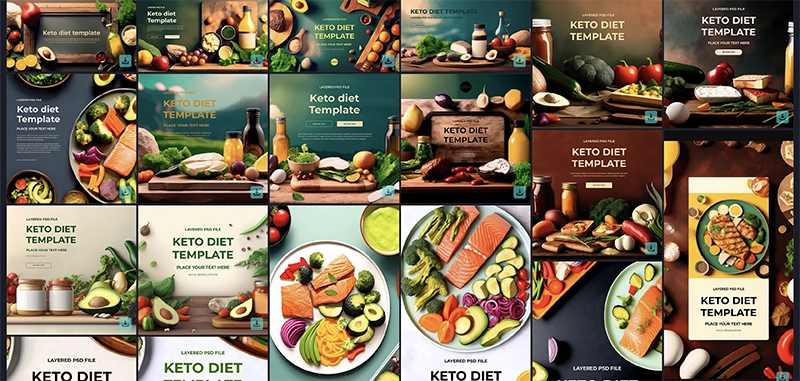
3. CreativeStock Food & Beverage Templates
Best for: restaurant campaigns, product promos, menu visuals, launch assets
Weakness: niche-focused if you are not working in food or beverage categories
Food and beverage brands usually need consistency across multiple formats at once. A specialized category makes that easier than opening a blank file and hoping the caffeine solves everything.
See CreativeStock Food & Beverage Templates.
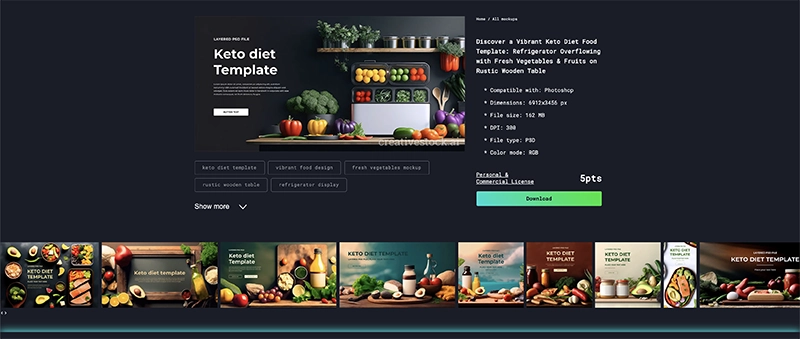
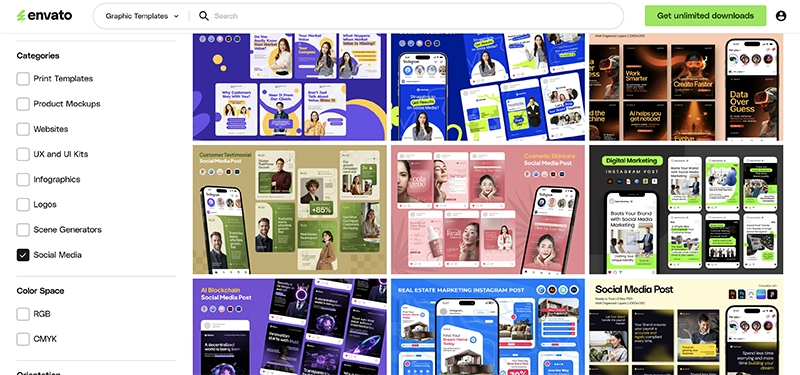
4. Envato Elements Social Media Templates
Best for: high-volume content production, team workflows, broad selection
Weakness: quantity can slow selection if you do not filter carefully
Envato is useful when speed comes from volume and flexibility. For teams managing constant production, a large template library can remove a lot of repetitive setup work.
Explore Envato Elements Social Media Templates.
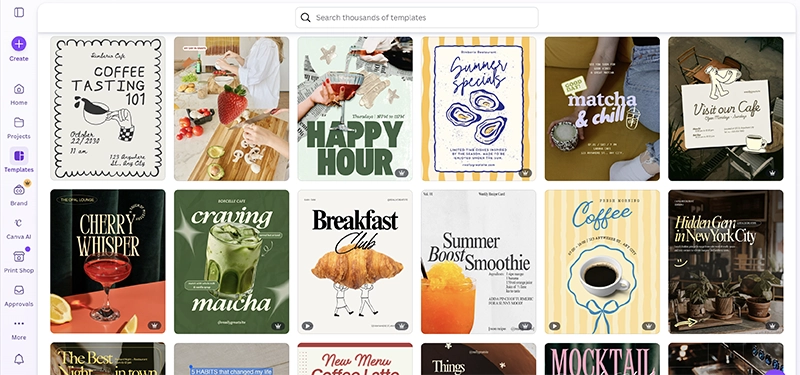
5. Canva Instagram Post Templates
Best for: posts, announcements, carousels, simple branded graphics
Weakness: requires careful editing to avoid obviously generic output
For smaller brands and solo designers, Canva can be a very fast production layer. The trick is to use the template as a starting point, not as the final identity of the brand.
Browse Canva Instagram Post Templates.
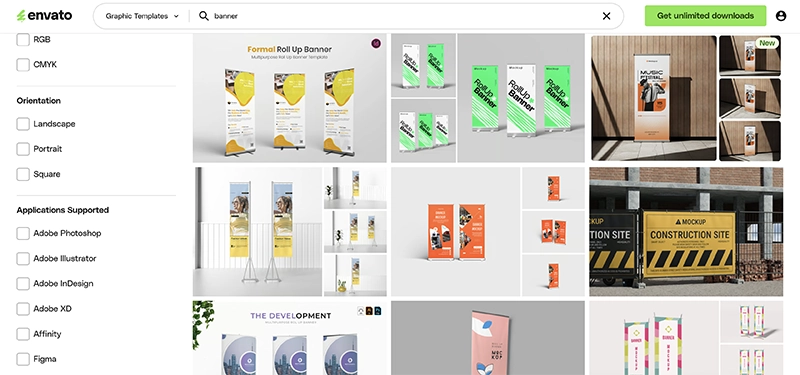
6. Envato Banner Graphic Templates
Best for: homepage promos, ads, website banners, event campaigns
Weakness: quality varies across styles and file types
Banner work has a mysterious habit of becoming urgent at exactly the wrong moment. A strong banner template library helps when something needs to look finished fast.
See Envato Banner Graphic Templates.
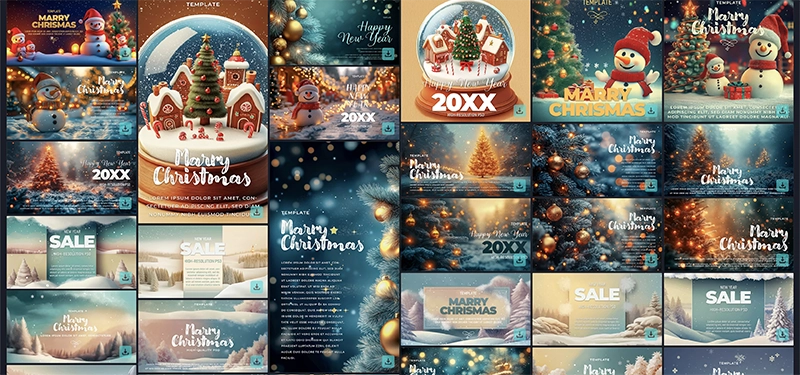
7. CreativeStock Seasonal & Holiday Templates
Best for: holiday campaigns, timed promotions, event-based launches
Weakness: less useful outside seasonal marketing cycles
Seasonal content always sounds manageable until everyone suddenly needs polished visuals by yesterday. This category is practical because it shortens the path from concept to launch.
Browse CreativeStock Seasonal & Holiday Templates.
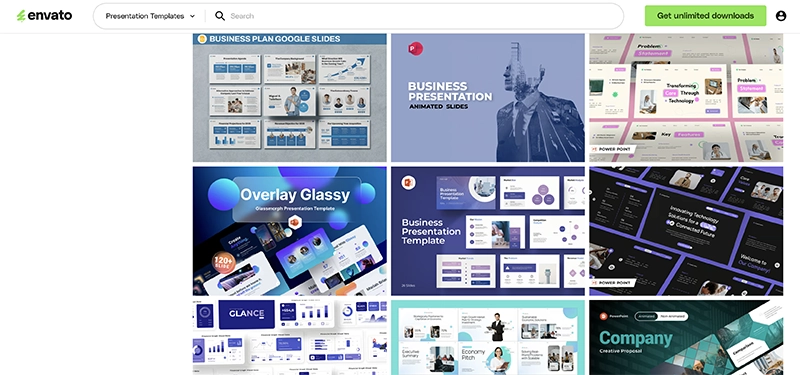
8. Envato Presentation Templates
Best for: pitch decks, internal presentations, sales slides, structured storytelling
Weakness: can still feel generic without strong content hierarchy
Presentation templates matter because messy slides can destroy good ideas with almost offensive efficiency. A strong deck structure makes approvals easier and saves time during revisions.
Explore Envato Presentation Templates.
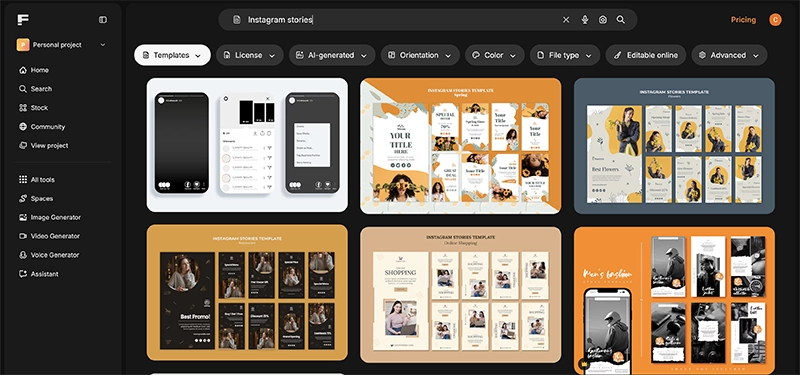
9. Freepik Instagram Story Templates
Best for: quick story layouts, lightweight editing, repeatable visual formats
Weakness: requires filtering to avoid inconsistent style quality
Freepik works well when the goal is speed and flexibility. It is useful for marketers and designers who need fast visual building blocks without a long setup process.
See Freepik Instagram Story Templates.
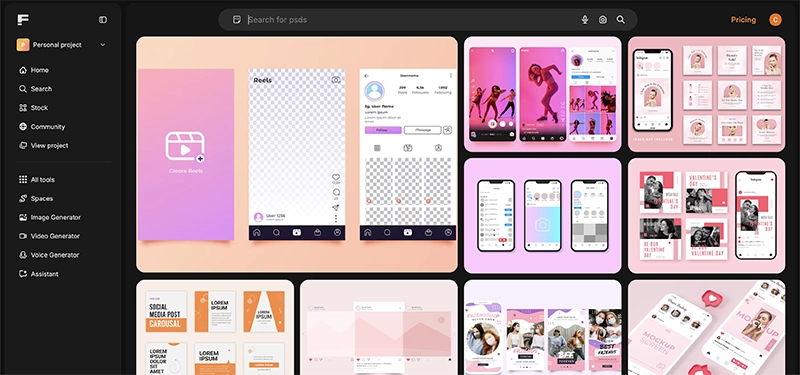
10. Freepik Social Media Templates
Best for: broad social content needs, fast downloads, daily production support
Weakness: wide libraries need stronger quality control from the designer
Freepik remains relevant because the selection is broad and practical for everyday design tasks. Used carefully, it supports speed without flattening every campaign into the same recycled layout.
Browse Freepik Social Media Templates.
Best Template Sites for Faster Design Workflow
If your goal is to save time, not all template sites help in the same way.
- Use customizable templates when you need fast edits across repeated campaign formats
- Use social media template libraries when production volume is high
- Use category-specific collections when you want better brand consistency
- Use seasonal template sets when campaign timing matters more than experimentation
- Avoid template overload that creates more browsing than designing
The right ready-to-use templates remove repetitive setup work and make design iteration much easier. That fits CreativeStock’s broader positioning: professional-quality visuals, faster workflow, and practical assets that help users move from idea to execution with less friction.
Comparison: Which Template Site Should You Use?
If you are still unsure, use this shortcut:
- Need speed for social content? → Use Canva.
- Need large-volume selection? → Use Envato Elements.
- Need broad everyday flexibility? → Use Freepik.
- Need niche campaign categories? → Use CreativeStock Templates.
- Need campaign-ready headers and banners? → Use CreativeStock Headers & Banners Templates.
- Need seasonal campaign assets? → Use CreativeStock Seasonal & Holiday Templates.
Most designers do not lose time because they lack ideas.
They lose time because they keep rebuilding systems that templates already solved.
Why Template Sites Still Matter
Template sites are not just shortcut libraries. They are workflow tools.
The right template can improve speed, reduce repetitive setup, support brand consistency, make approvals easier, and help teams move from concept to launch faster.
That matters even more for CreativeStock’s audience: freelancers, agencies, and small businesses that need polished graphic design assets without turning every deliverable into a full production event. That exact mix of speed, accessibility, and professional finish is central to the platform’s purpose and tone.
Final Take
The best template sites are not about quantity. They are about finding the right structure for the job.
Start with CreativeStock Templates, and when you need more volume or alternate formats, combine them with trusted external libraries like Canva, Envato, and Freepik.
If the workflow is still chaotic after that, the problem may not be the file. It may be the person who said, “Can we just make three more versions?”