I’ve been doing client work long enough to remember when “send me options by morning” meant staging a DIY photoshoot on my kitchen table and praying the lighting gods were kind. Now I use AI mockups - and I ship more routes, with more polish, in less time. No, they didn’t delete my taste. They just vaporized my excuses. If you expect tools to invent taste for you, that’s not a tooling problem - that’s a craft problem.
I’m not talking about prompt roulette. I’m talking about a disciplined workflow powered by AI-generated mockups, a curated AI mockup library, and modular AI design assets I can art-direct without fighting the clock. Creative control stays with me; the tools handle the busywork. If you want a deeper dive into how speed compounds quality in practice, read Creative Stock is not magic - it just works.
Myth: “AI mockups make everything look the same”
Homogenization happens when you accept the first decent result. That’s a junior move. Senior designers set a style north star first - type, grid, palette, materials - then audition environments across AI mockup templates. The variety comes from your system: paper stock vs. painted metal, harsh noon sun vs. soft window light, straight-on vs. low-angle perspective. The mockup is a stage, not the actor.
If your exploration looks cookie-cutter, your curation’s asleep. Trim to 3–5 environments that amplify the idea and serve the message. Swap materials until the story clicks. And remember: a striking surface never saves a weak layout. For a zoomed-out view on this topic, here’s recent research on generative AI and creativity in the workplace that echoes what many of us see: speed can enable originality when guided by a solid process.
What actually kills creativity? Busywork.
Creativity dies when deadlines choke exploration. The fix is speed with control. With instant design previews, I can test ten directions and bin seven - without chewing through a weekend. Batch exports, quick crops, device and packaging swaps - minutes, not hours. Time saved isn’t a shortcut; it’s space to iterate. If you want proof that velocity changes outcomes, read how teams cut work time from 3 days to 3 minutes by rethinking the mockup step.
If you’re starting from scratch, keep a home base: the mockups category is where I pull foundations. When I need tactile collateral, I’ll jump straight into print mockups to pressure-test typography and contrast in real-world contexts.
My real-world workflow (steal it)
Use case 1 - Brand sprint (48 hours).
- Define the idea in one sentence (positioning + tone + a visual metaphor).
- Sketch type systems and two palette variants.
- Pull surfaces from an AI mockup library that match the target channels (OOH, shelf, feed, app).
- Drop logotype and key visual, generate realistic AI mockups across 4–6 environments.
- Cull ruthlessly; present a tight narrative: brand in context, not floating logos.
Use case 2 - Presentation rescue.
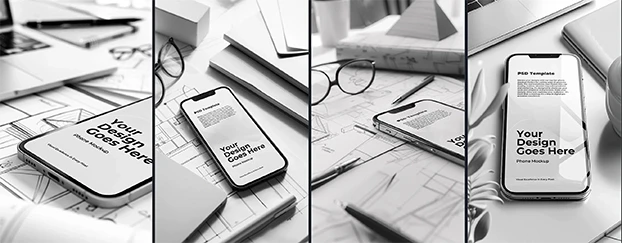
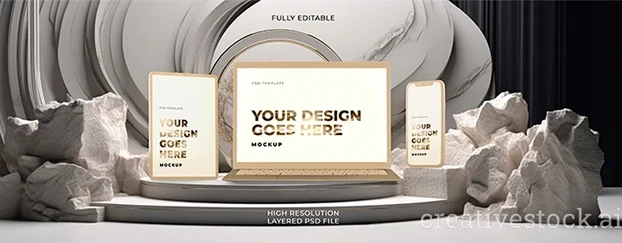
- Keep a bench of AI-generated mockups for client presentations: retail shelf, device-in-hand, poster on brick, tote on shoulder.
- When the brief pivots mid-call, swap the hero asset and ship a fresh route before the meeting ends. That’s not “cheating”; that’s being prepared. For flashy device moments, I’ll reach for a polished AI iPhone glass mockup to sell the feel fast.
Use case 3 - Social proof at scale.
- For realistic AI mockups for social media, tailor crops for thumb-stop moments.
- Maintain brand edges (grain, texture, micro-contrast) so posts look editorial, not synthetic.
- A/B the first frames; promote the winners; archive the rest.
When you’re ready to try without commitment, start with free mockups.
How to use AI mockups without killing creativity
1) Start analog, finish digital.
Write a one-sentence concept and three mood words (e.g., “tactile, confident, urban”). If a mockup doesn’t serve that, it’s gone.
2) Lock the grid, then the texture.
Grid protects hierarchy. Texture gives it soul. Don’t let pretty surfaces bully your layout.
3) Design once, contextualize everywhere.
Use AI mockup templates to port the same core design to packaging, apparel, OOH, and product UI so the campaign reads as one system.
4) Reject 80%.
Speed lets you explore; taste does the filtering. If you’re keeping everything, you aren’t iterating - you're hoarding.
5) Present in the wild.
Clients buy context. Show the identity living in stores, feeds, and hands - then show the polished flats.
Speed is a creative multiplier, not a crutch
When turnarounds drop from hours to minutes, you don’t just finish faster - you explore more routes. More reps sharpen taste. With the right AI design tools, I can generate AI mockups in minutes, then spend real energy on message, hierarchy, and craft. That’s the job: making choices, not dragging layers around all night.
Quality bar: editorial-grade realism
The gap between “meh” and “money” lives in the details: edge softness that matches focal length, shadows with believable contact, paper thickness that feels right, specular highlights that don’t scream plastic. If your scene fights your design, switch materials or angle. Realistic AI mockups should support the story, not become the story. If you need a refresher on fundamentals that make visuals feel intentional, the visual design in UX study guide is a solid checkpoint for craft and critique.
Pitfalls to avoid (learned the hard way)
- Overfitting to the scene. A gorgeous wall texture won’t save broken hierarchy.
- Template dependency. Templates start the conversation. Change materials, angles, and crops to avoid déjà vu.
- Ignoring usage. Confirm rights for public campaigns. You still have to read licenses.
- Forgetting contrast. Context ≠ clutter. Keep focus on the design, not the props.
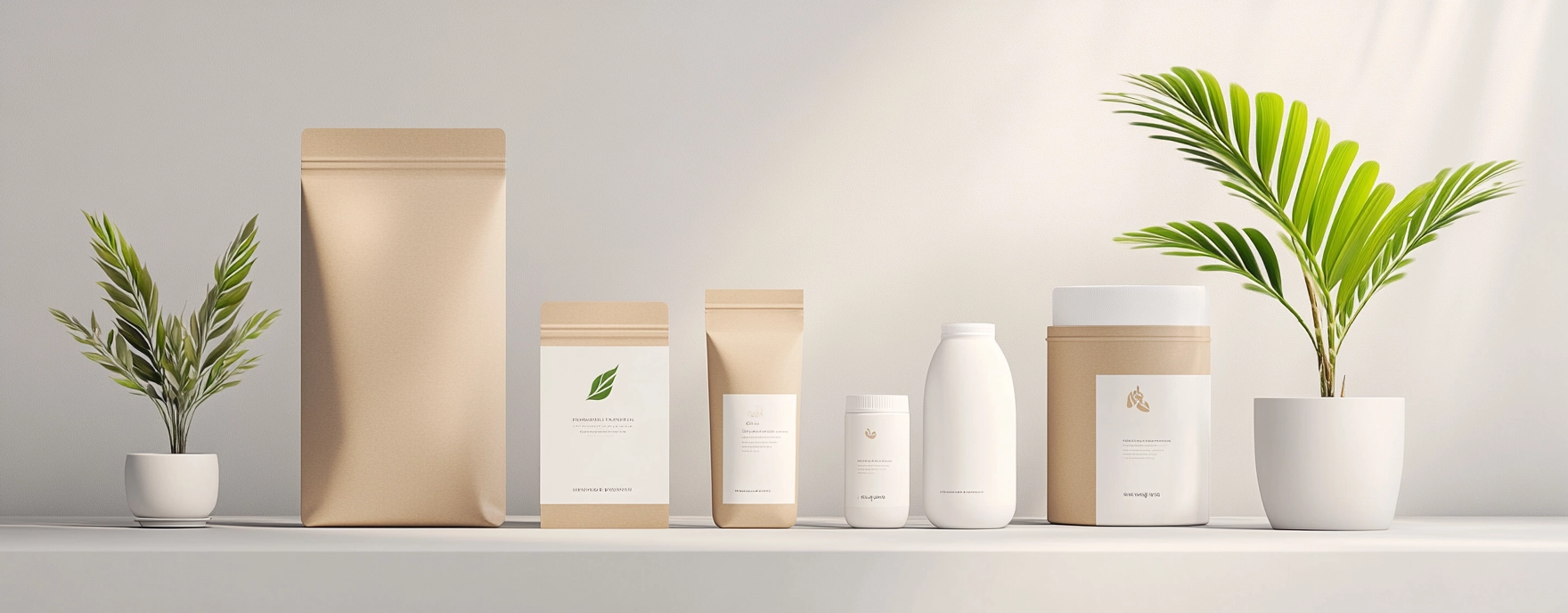
Fast workflows with AI mockups (checklist)
- Define the idea and mood.
- Build a tight set of environments (3–5).
- Generate AI-generated mockups across your real channels (packaging, device, apparel, OOH).
- Cull to a single hero per channel; refine edges, shadows, and materials.
- Present as a narrative: billboard - product-in-hand - feed.
- Ship, measure, iterate - re-mock only what moves the metric.
Final word from a grumpy senior
All-nighters don’t earn medals; outcomes do. AI mockups didn’t replace my brain. They just removed the usual excuses: “no time,” “no photos,” “brief changed.” You still have to make decisions. The tools make those decisions faster, clearer, and easier to sell. That’s not the death of creativity - that’s what lets it show up on time. If you’re ready to operationalize this speed without losing taste, compare plans on pricing.